A health companion that lives on your phone.
A health companion that lives on your phone
Native iOS chat with your HealthKit data. The default model runs on the device and reads HealthKit directly. Nothing leaves the phone unless you turn on a cloud key.
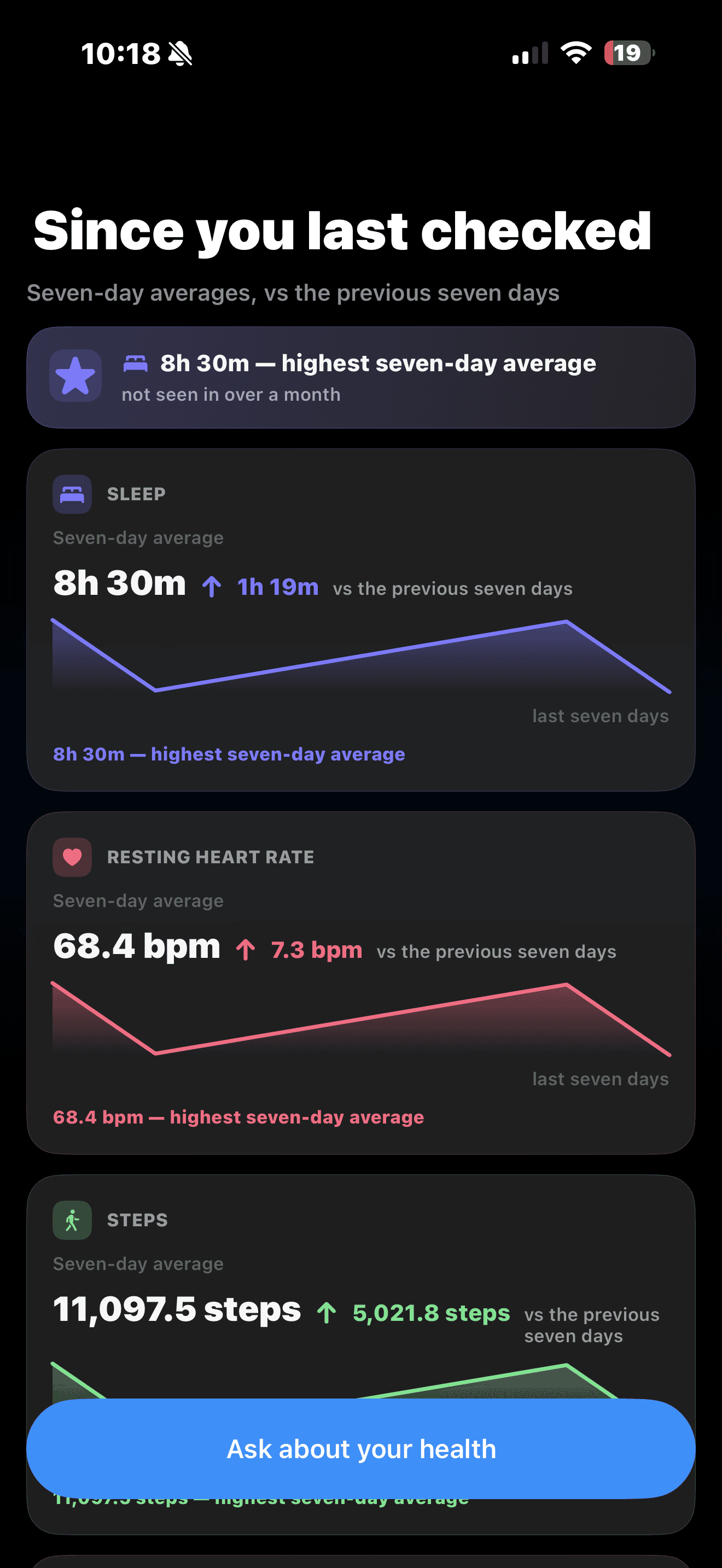
A morning briefing that surfaces what actually changed.
Five signals worth checking: sleep, resting heart rate, HRV, steps, active energy. The salience pass flags genuine standouts ("8h 30m, the highest seven-day average") and stays quiet otherwise. The hero band tells you whether today is a standout, a calm week, or still building up data.
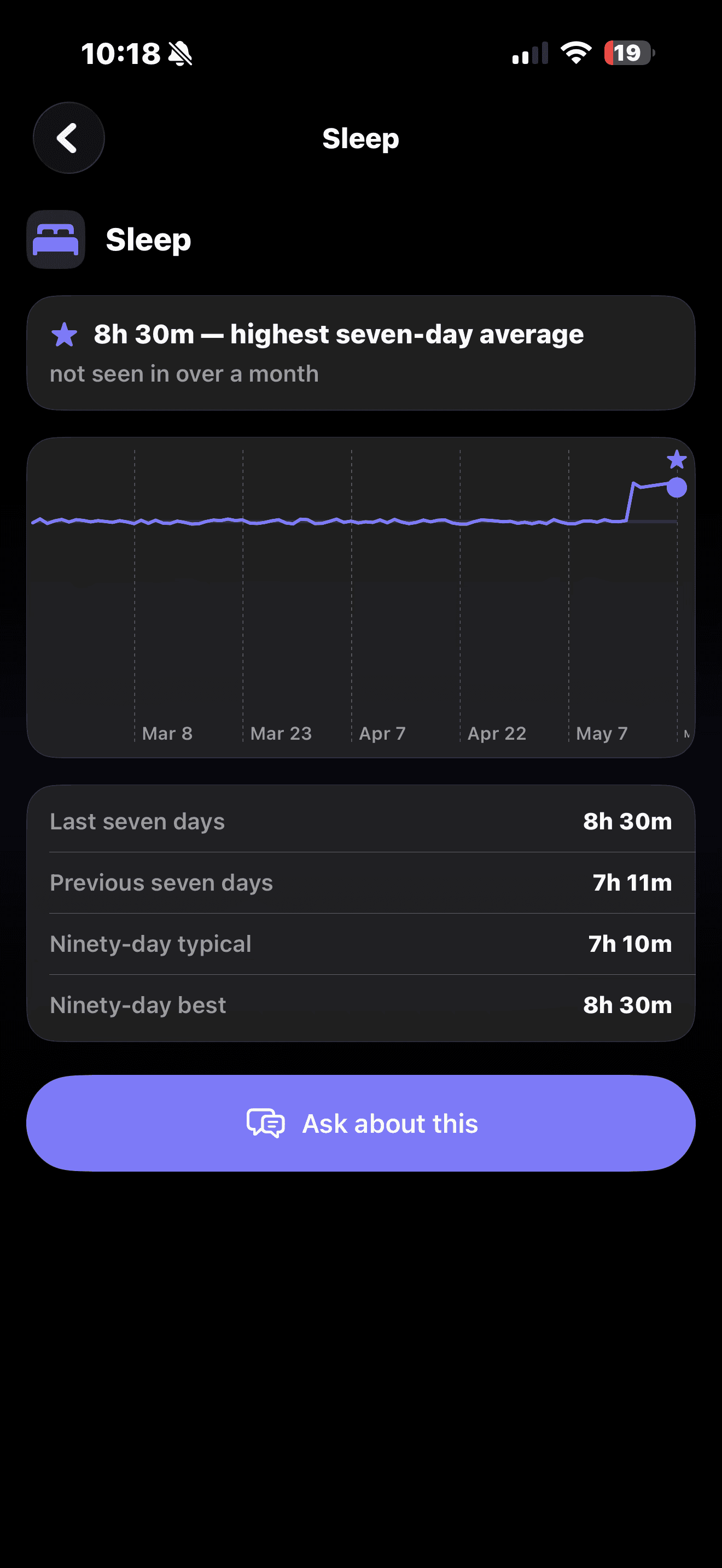
Tap a metric. See ninety days. Read the reasoning.
The 90-day chart marks the salience record at the peak. A reasoning row explains the standout in plain language. The comparison panel shows last seven days versus previous seven versus ninety-day typical versus best. “Ask about this” opens a chat with a question pre-filled from what you're looking at.
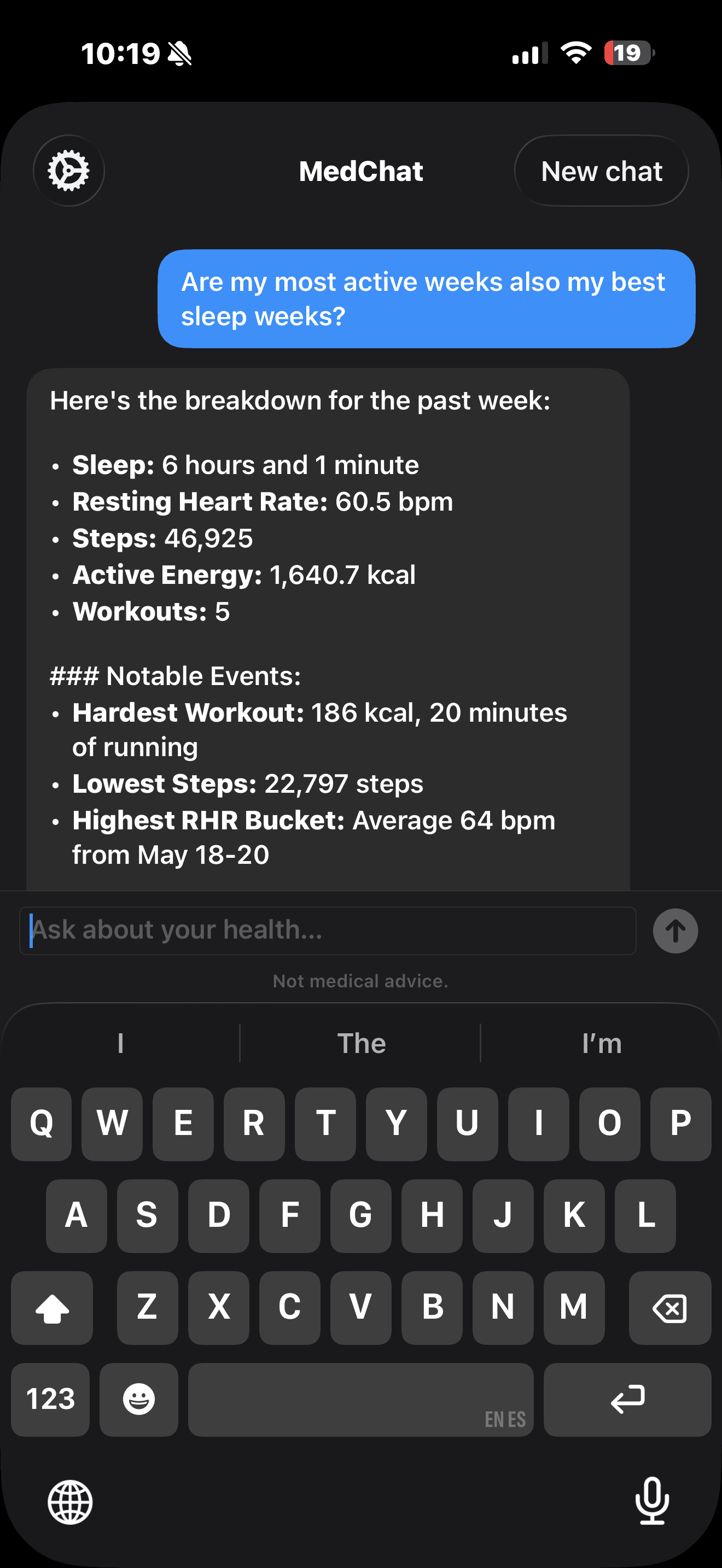
Ask your phone questions you can't ask anywhere else. Privately.
Default model is Apple's on-device LLM, called through `LanguageModelSession`. Cloud models (Claude Haiku or Sonnet) are an opt-in with your own API key, for the harder questions. Every answer is grounded in real HealthKit data through an on-device facts layer that pulls the numbers before the model writes the reply.
Three native frameworks. Zero backend services.
Apple Foundation Models, called directly
iOS 26 ships a real on-device LLM behind a Swift framework. MedChat calls `LanguageModelSession` directly. No MLX, no Core ML packaging, no model download for the user. The hard part, running reasoning on a phone, is now an Apple system service.
Digest with a salience pass
An on-device engine computes seven-day averages, deltas, and per-metric salience for the five signals. The hero band tells you whether today is a standout, a calm week, or still building up data. Salience stays quiet when nothing genuinely changed.
Grounded facts layer before the model writes
Every number the UI shows comes from engine `*Text` fields. The chat's facts layer pulls the numbers before the model writes the reply, so the salience descriptor can't invent a value, sparklines don't label points, and VoiceOver only reads the grounded text.
Cloud is an opt-in, with your key
Default chat runs on Apple's model. Users can add an Anthropic key for Haiku or Sonnet on the harder questions. Key entry, save, persistence, and auto-revert on delete are all on the acceptance checklist. Backend services in the architecture: zero.
On-device by default
The HealthKit reads, digest engine, and salience logic run on the phone. The cloud path is a chat option the user has to enable themselves.
What on-device first actually means
- “The on-device-first constraint changes the build order. The chat surface ends up being the last thing you write.
- “A grounded-facts layer catches more bugs than any prompt rule. The model can't lie about a number it didn't generate.
- “The shipped health chatbots all live in the cloud. The privacy trade users keep making to talk to one is the gap the on-device version closes.
Working build on iPhone, App Store next
Pre-launch, medchat.app
Next: App Store submission, two more metrics, push notifications, and the weekly digest