An operating system for one person running a lot of things.
lifeOS is a unified dashboard, live at claw.philgetzen.com. A set of views and utilities (Home, Briefings, Automations, Agents, Wikis, System) sit on top of three systems that do the actual work: an autonomous agent runner, a planning database, and a wiki-style knowledge vault.
It's the infrastructure that runs my consulting practice, the products I've built, and even my personal life. This is a living experiment in how to build in public and show the process behind it.
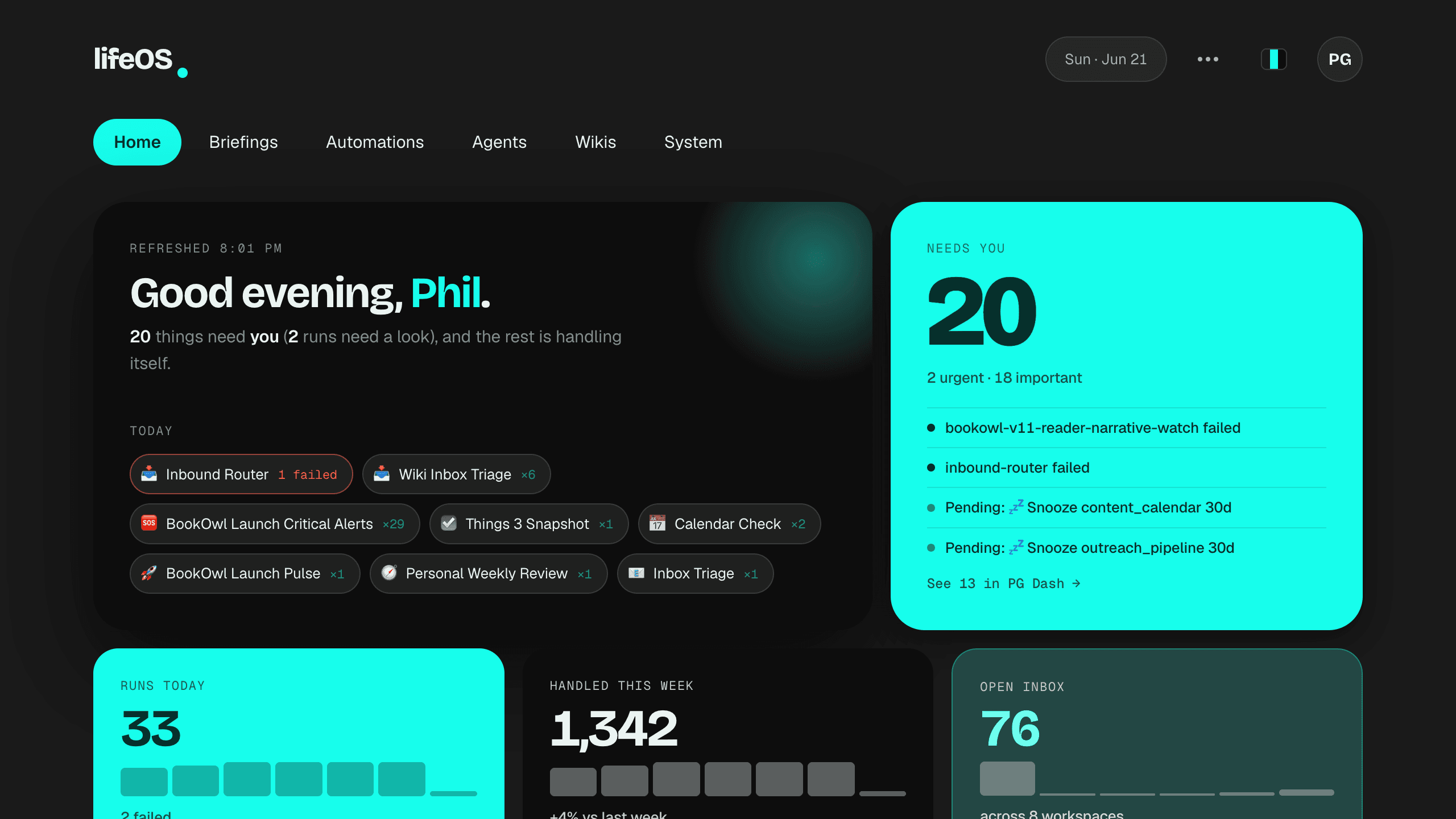
How it all connects
The NAS daemon owns scheduling and state. A Mac worker pulls local jobs when model runs need local tools, files, or subscription auth. Tap any node to trace where its data comes from and where it goes.
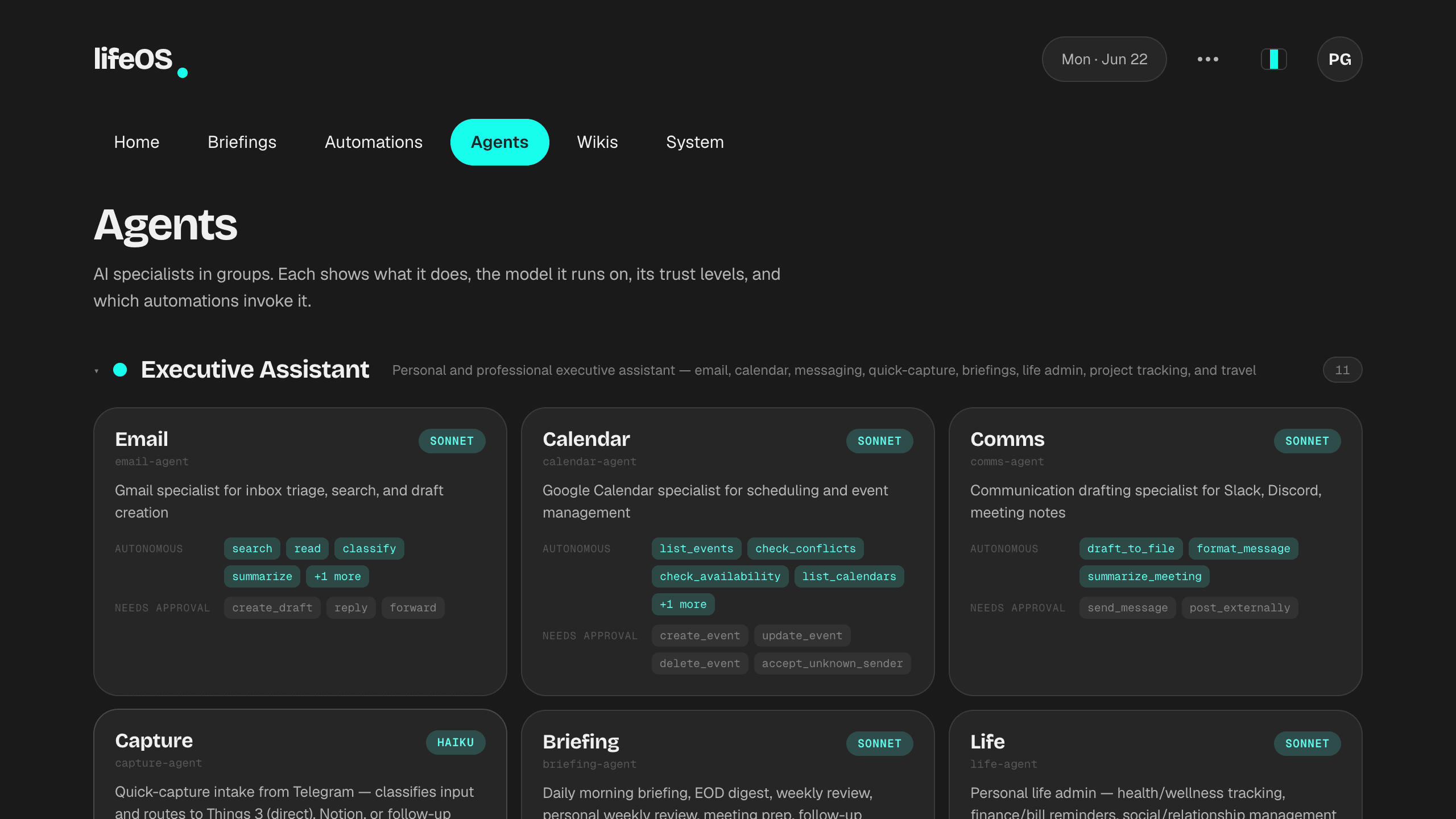
ClaudeClaw does the recurring work I used to do by hand.
A Claude Code plugin with an always-on NAS daemon, cron-style schedules, and a Mac pull worker for local execution. Claude runs first. Codex only takes over when the problem is Claude availability, quota, or auth, so failures stay visible instead of getting papered over.
- Adding an agent is a config change, not a deploy. The orchestrator reads groups from YAML, so the system grows without me touching its code.
- Trust is set per agent. Anything that sends email or moves money waits for my approval; read-only agents run unattended.
- Runner failures are diagnosable. Each run records the route and model, so I can tell whether the problem is Claude, Codex, the Mac worker, or the output contract.
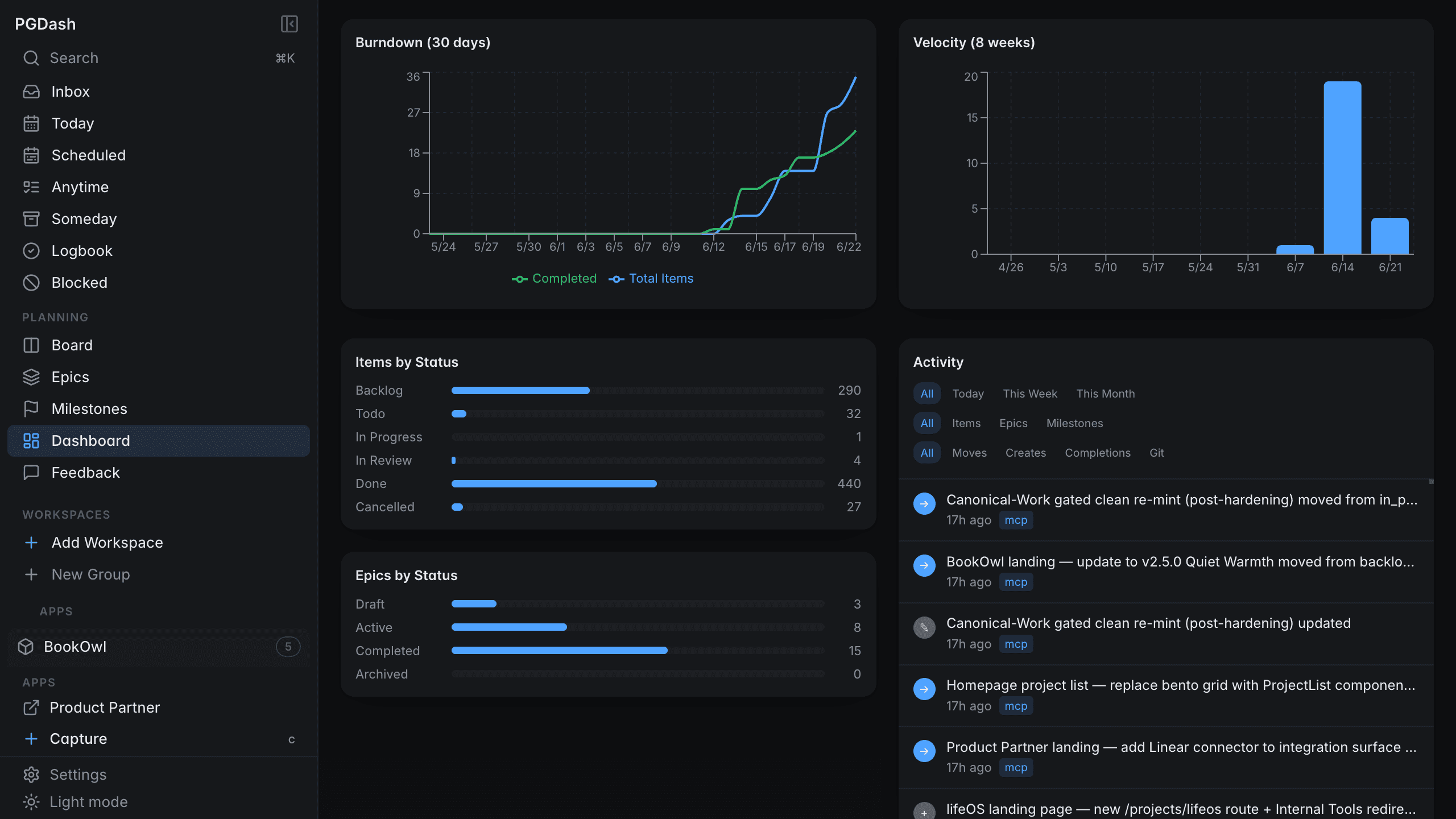
PG Dash is the one place the roadmap actually lives.
A small admin dashboard over a Firestore schema of epics, items, and milestones. I exposed the same data as an MCP server, so every tool reads the live roadmap directly instead of keeping a copy that drifts out of date.
- The roadmap has one source of truth and many readers. It is served over MCP, so nothing gets copied or hand-synced between tools.
- The schema works as a contract. A change in one tool cannot silently break another.
- It is built for breadth. The hierarchy assumes a lot of small ventures rather than one large org, which is the actual shape of my work.
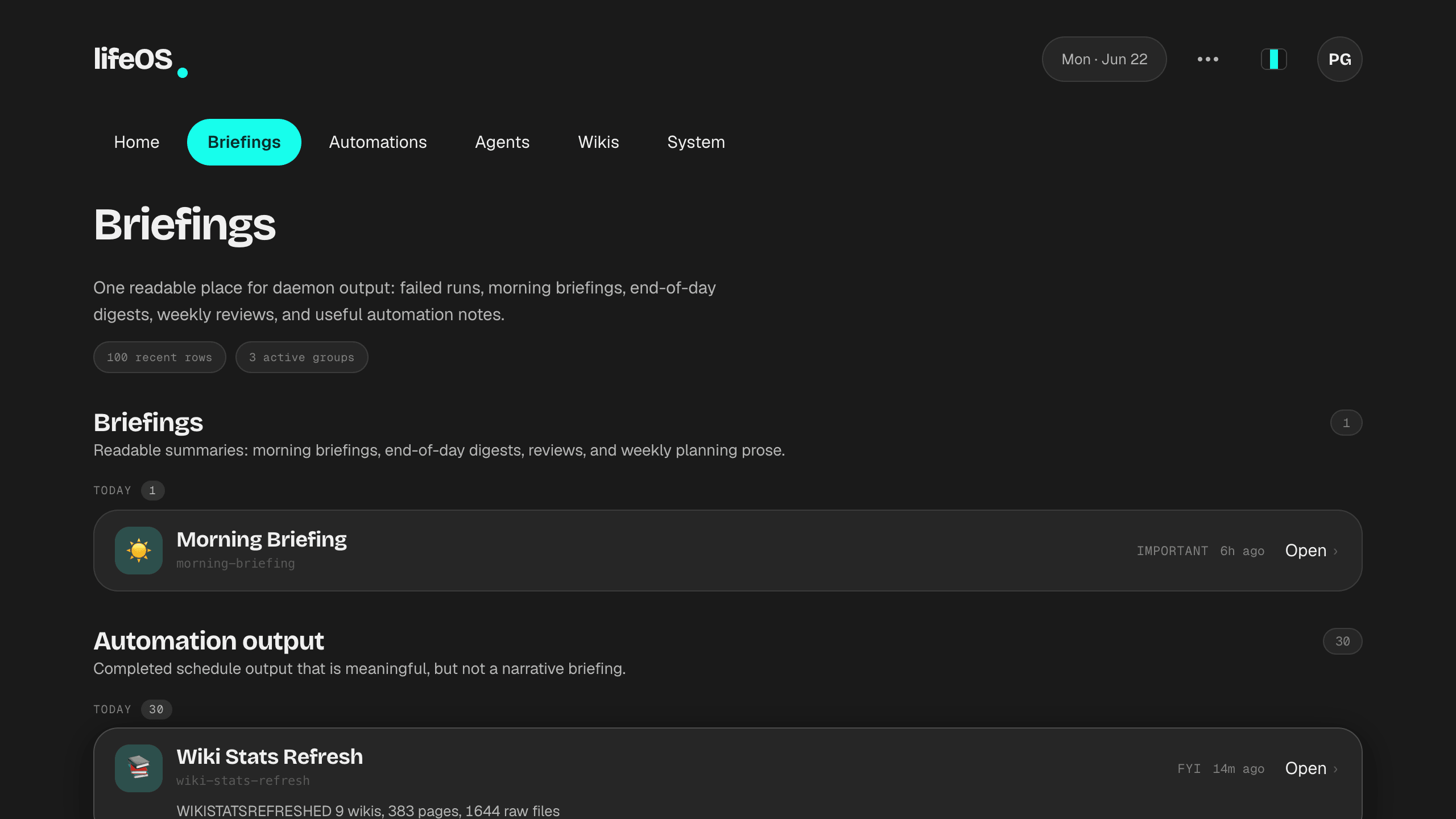
Everything the system does ends up somewhere I'll actually read it.
Morning briefings, end-of-day digests, weekly planning, and routine output all land on one tab. The point is to read what happened in plain prose, not to scrub through logs or chase notifications.
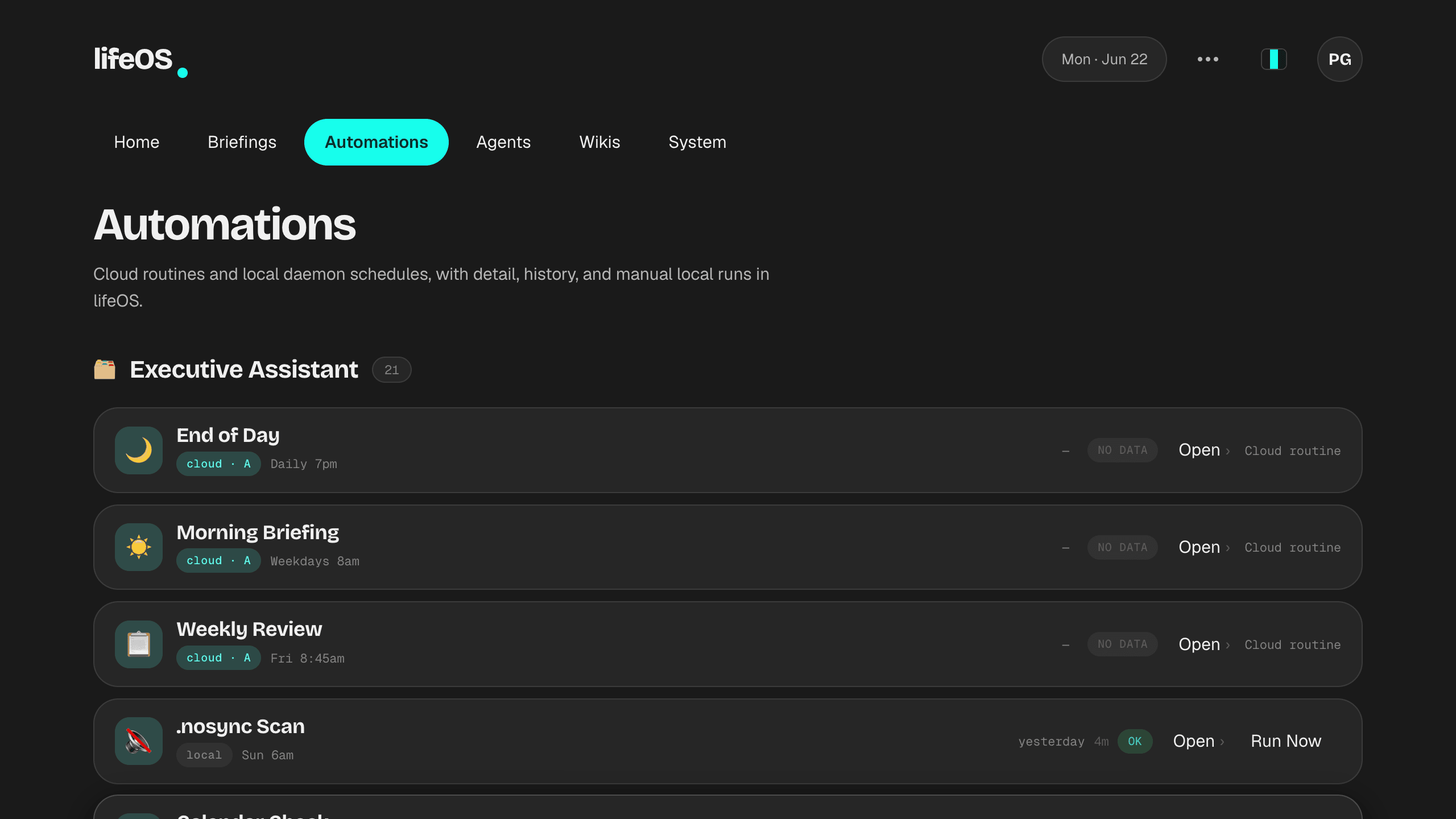
Every scheduled job sits in one view I can trigger by hand.
The NAS daemon owns the schedule. Cloud routines can run remotely, and local-only work is handed to a Mac pull worker that already has the right files, tools, and subscription auth.
- Jobs are grouped by agent, not by schedule, because that matches how I actually think about the work.
- Last-run status sits in plain view, so a job that starts failing quietly doesn't stay quiet.
- Local work stays local. The NAS queues it, the Mac claims it, and private files or subscription auth do not need to live in a hosted worker.
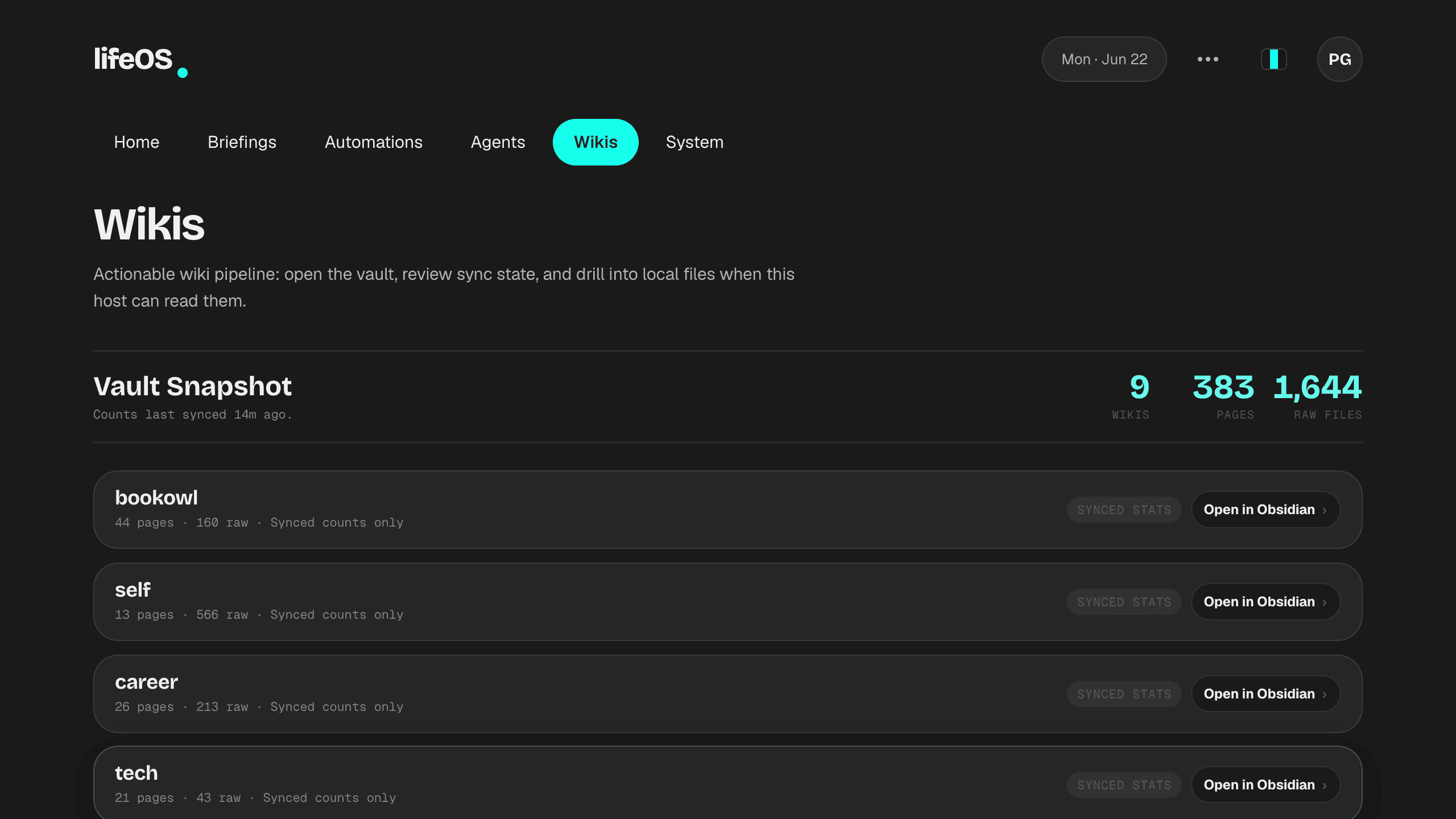
A set of wikis turn a pile of raw inputs into pages worth reading.
Raw material (Claude conversations, PDFs, LinkedIn exports, source repos) lands in a raw/ folder and gets synthesized into structured pages. Everything downstream reads the synthesized layer, never the mess underneath.
- Raw and synthesized never mix. Inputs live in one folder and the readable output in another, so synthesis can re-run without losing the originals.
- A schema file tells any model where things belong, so I don't re-explain the structure every session.
- Pages cross-link across wikis, and I can edit from a phone over iCloud, because a knowledge base I can't reach away from my desk is useless.
I could have stitched together five SaaS tools.
Building it instead means I know exactly where AI earns its place and where it just adds another dashboard to check. That is the same judgment I bring to client work.